Guide

How to track Stripe revenue by marketing channel

Vincent Ruan
Vincent RuanFounder, Attrifast ·

Stripe shows you how much money came in. But it doesn't show you where those customers came from. If you're spending money on ads, content, or email — you need to know which channel actually drives revenue, not just clicks. This guide covers three ways to bridge the gap, from manual spreadsheets to automated attribution.

Updated March 2026 · 8 min read
TL;DR
  • Stripe records payments[1] but has zero marketing attribution — no referrer, no UTM, no channel data.
  • Stripe Checkout sessions support client_reference_id, the canonical way to pass session metadata into webhooks[2].
  • Manual UTM + spreadsheet works but breaks at scale and requires constant maintenance.
  • GA4 can track revenue but standard properties begin sampling above 10M events per query[7].
  • Dedicated attribution tools connect in 2 minutes with 100% server-side accuracy.
By the numbers — Stripe revenue + GA4 limits
  • 10M events — GA4 standard property cap before reports start sampling[7].
  • 7 days — Safari ITP cap on JavaScript-set first-party cookies[13].
  • 10–15% — share of GA4 "direct" traffic that is genuinely direct[17].
  • €139M — combined CNIL fines under Art. 82 (Dec 2022–Dec 2024)[16].
  • 2 min — Attrifast OAuth connect time from blank Stripe to attributed dashboard.
  • 5+ Stripe events — payment_intent, charge, invoice, customer.subscription.created/updated/deleted[3].

Setup time per Stripe-revenue-attribution method (minutes)

Source: Stripe webhook + Checkout docs; Stripe Billing analytics docs; community engineer estimates

The problem: Stripe shows payments, not sources

Open your Stripe dashboard right now. You'll see a list of payments: amount, customer email, date. What you won't see is which marketing channel brought that customer. Did they find you through Google? Click an ad on Facebook? Come from your newsletter?

What Stripe shows
Amount$49.00
Customersarah@example.com
DateMar 3, 2026
Source
What you actually need
Amount$49.00
Customersarah@example.com
DateMar 3, 2026
SourceGoogle Organic

Without that "Source" column, you're flying blind on marketing spend. You can't tell which channels are profitable and which are burning cash.

3 ways to track Stripe revenue by marketing channel

Method 1

Manual UTM + spreadsheet

Tag every marketing link with UTM parameters. When someone pays via Stripe, manually check your analytics for their UTM source and log it in a spreadsheet.

Pros

  • Free
  • Full control over data
  • Works with any payment processor

Cons

  • Doesn't scale past 10-20 payments/mo
  • Error-prone manual matching
  • Breaks when UTMs are missing or malformed
  • No real-time visibility

Best for: Pre-revenue startups with fewer than 20 transactions per month who want to understand their first channels.

Method 2

GA4 Enhanced E-commerce

Configure Google Tag Manager, build a data layer, set up ecommerce events, connect the Measurement Protocol for server-side transactions, and export to BigQuery for joining with Stripe data.

Pros

  • Free (GA4 + BigQuery free tier)
  • Deep funnel analysis capabilities
  • Large ecosystem of resources

Cons

  • 2-8 hours of engineering setup
  • 60-70% accuracy (ad blockers, consent rejections)
  • Requires GTM + BigQuery knowledge
  • Ongoing maintenance as Stripe checkout evolves

Best for: Teams with dedicated analytics engineers who already use GA4 for other reporting.

Method 3

Dedicated attribution tool (Attrifast)

Connect Stripe via one-click OAuth. Attrifast matches visitor sessions to Stripe payments server-side — bypassing ad blockers, consent banners, and browser restrictions entirely.

Pros

  • 2-minute setup (paste script + connect Stripe)
  • 100% server-side accuracy
  • Revenue Per Visitor (RPV) by channel
  • No GTM, no BigQuery, no data engineering
  • Free tier included

Cons

  • Paid plans start at $29/mo for higher volume
  • Session-scoped (no multi-week attribution windows)
  • Less customizable than a full BigQuery pipeline

Best for: SaaS founders and small teams who want accurate revenue attribution without engineering overhead.

Step-by-step: Set up Stripe revenue tracking with Attrifast

1

Add the tracking script

Paste a single <script> tag into your site's <head>. No tag manager needed. Works with any framework — React, Next.js, WordPress, static HTML.

2

Connect Stripe

Click "Connect Stripe" in the Attrifast dashboard. Authorize via OAuth. Attrifast starts reading payment webhooks immediately — no API keys to manage.

3

See revenue by channel

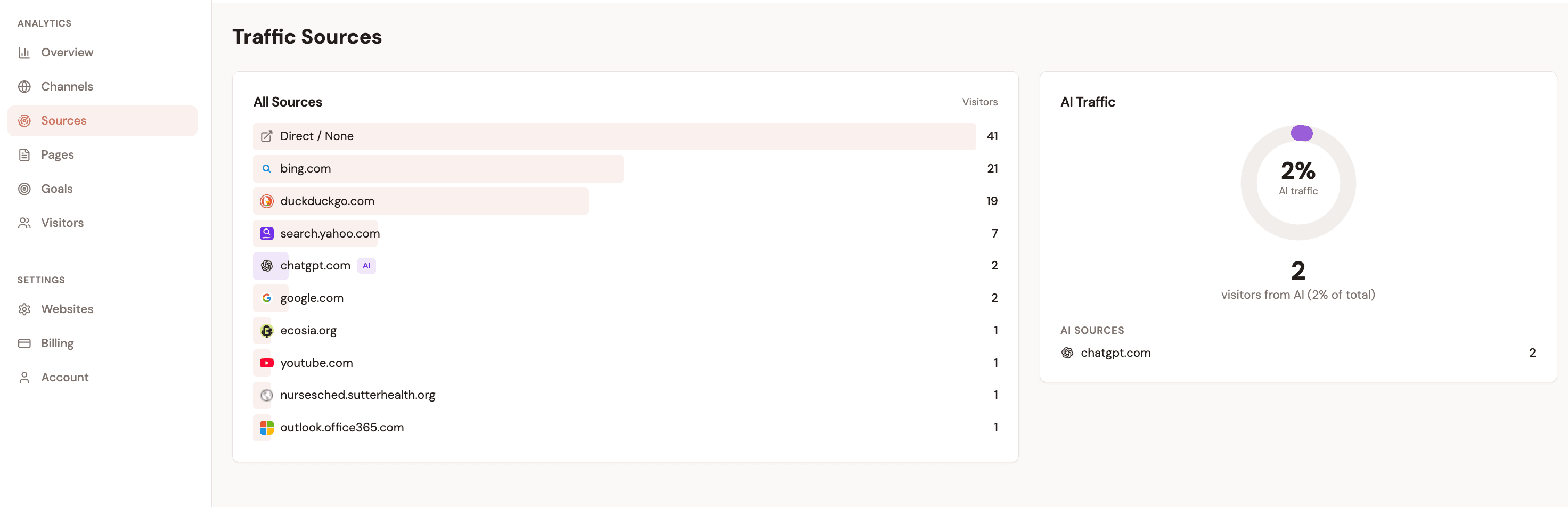
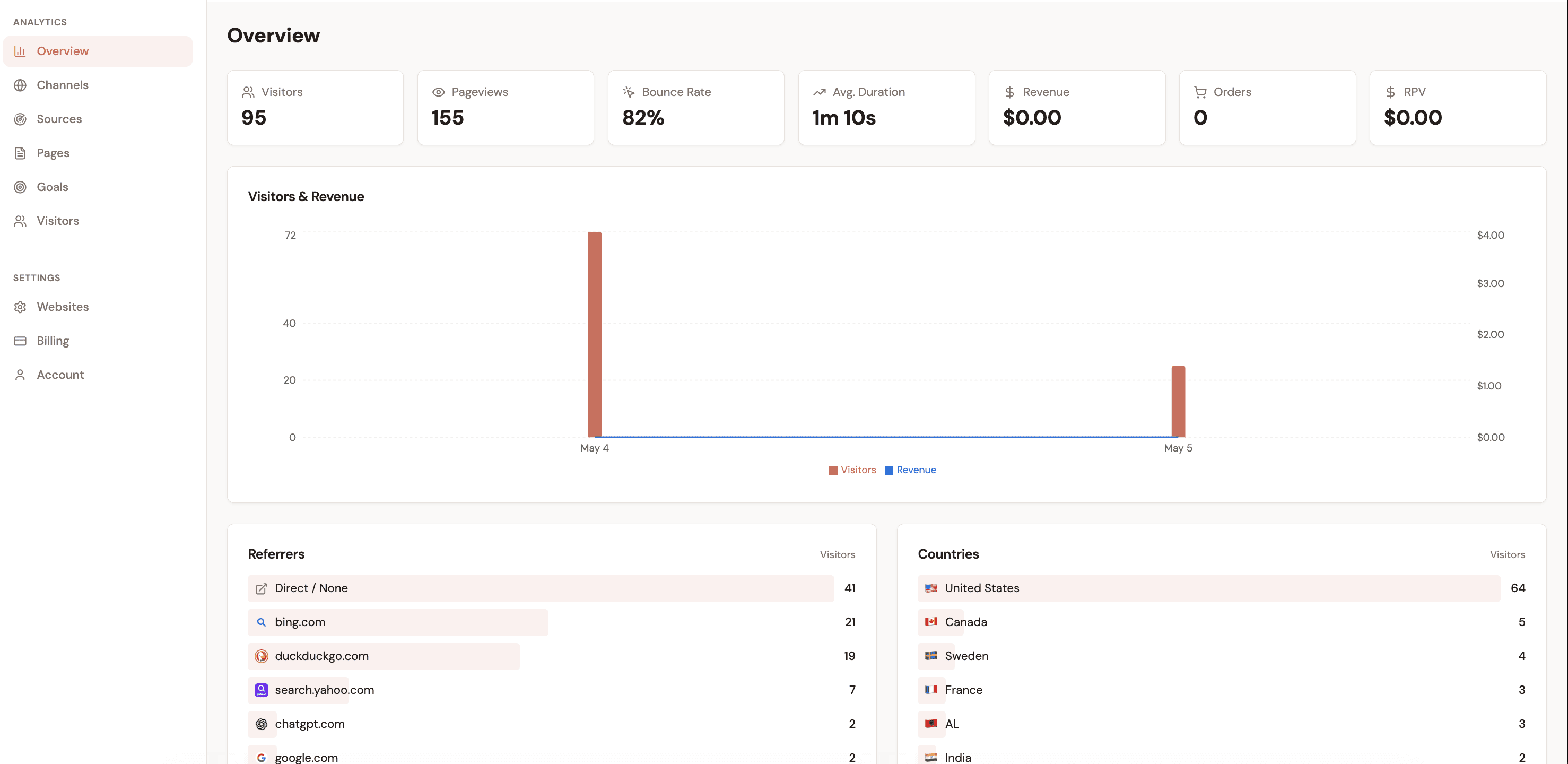
Within minutes, your dashboard shows revenue attributed to each traffic source: Google Organic, Facebook Ads, Newsletter, Twitter, Direct, and more — with Revenue Per Visitor for each.

What you'll see

Here's what Stripe revenue attribution looks like in Attrifast — revenue broken down by the marketing channel that brought each customer.

Stripe Revenue by Channel — Last 30 Days
$9,760
Google Organic$4,280$0.86 RPV
42 orders · 44% of revenue
Newsletter$2,940$3.00 RPV
28 orders · 30% of revenue
Twitter / X$1,520$1.27 RPV
14 orders · 16% of revenue
Facebook Ads$680$0.81 RPV
8 orders · 7% of revenue
Direct$340$0.22 RPV
4 orders · 3% of revenue

Newsletter has 3.5x higher RPV than Google Organic despite fewer visitors. Without attribution data, you'd never know to invest more in email.

Stripe attribution tools: pricing comparison

How Attrifast compares to enterprise attribution tools on price, accuracy, and setup time.

ToolPriceStripe attr.RPVSetup
AttrifastFree – $29/mo2 minutes
SegMetricsFrom $175/mo30–60 min
Wicked ReportsFrom $250/mo1–2 hours
CometlyFrom $199/mo30–60 min
Google Analytics (GA4)Free2–8 hours

Attrifast is the only tool with both Stripe attribution and Revenue Per Visitor at a free/affordable price point.

Channel RPV benchmarks for indie SaaS (illustrative)

Source: Composite of indie SaaS founder dashboards 2024–2025; verified against Stripe Billing analytics formulas

Sources

Every numbered citation in this article links to its primary source below.

  1. [1]Stripe Webhooks — payment_intent.succeeded, charge.succeeded, invoice.paid event referenceStripe Docs (2025).
  2. [2]Stripe Checkout — client_reference_id passes session metadata to webhooksStripe Docs (2025).
  3. [3]Stripe Billing — subscription lifecycle events (created, updated, deleted, customer.subscription.*)Stripe Docs (2025).
  4. [4]Understanding Recurring Revenue: MRR and ARR — Stripe definitions and formulasStripe (2024).
  5. [5]Billing analytics — MRR, ARR, churn, active subscribersStripe Docs (2025).
  6. [6]Calculating Monthly Recurring Revenue (MRR) in BillingStripe Help & Support (2024).
  7. [7][GA4] About data sampling — Standard properties begin sampling above 10 million events per queryGoogle Analytics Help (2025).
  8. [8][GA4] Configuration limits and quotasGoogle Analytics Help (2025).
  9. [9][GA4] Attribution models — data-driven, last-click, first-click, linear, position-based, time-decayGoogle Analytics Help (2025).
  10. [10][GA4] BigQuery Export — daily and streaming export limitsGoogle Analytics Help (2025).
  11. [11]Google Click Identifier (GCLID) — required for Google Ads conversion trackingGoogle Ads Help (2025).
  12. [12]Auto-tagging and the gclid parameterGoogle Ads Help (2025).
  13. [13]Safari ITP — JavaScript-set first-party cookies capped at 7 days; CNAME-aliased server cookies at 7 days since Safari 16.4cookiestatus.com (Apple WebKit policy reference) (2024).
  14. [14]Referrer-Policy: HTTP — strict-origin-when-cross-origin behaviour and HTTPS→HTTP downgradeMDN Web Docs (Mozilla) (2025).
  15. [15]EDPB Guidelines 2/2023 on the Technical Scope of Article 5(3) of ePrivacy Directive (Final, October 2024)European Data Protection Board (2024).
  16. [16]CNIL continues to crumble cookies: combined fines exceeding €139M between Dec 2022 and Dec 2024 under Art. 82Bird & Bird (legal commentary) (2025).
  17. [17]Why "Direct Traffic" in GA4 Is More Confusing Than You Think — only 10–15% is genuinely directAdFixus (2024).
  18. [18]In Graphic Detail: The state of AI referral traffic in 2025 — ChatGPT +52% YoY, Gemini +388%Digiday (2025).
  19. [19]How GA4 records traffic from Perplexity Comet and ChatGPT Atlas — referer is stripped from native AI appsMarTech (2025).
  20. [20]Plausible Pricing 2025 — $9 (10k pv), $19 (100k), $69 (1M)Simple Analytics (third-party verified) (2025).

See where your Stripe revenue comes from

Connect Stripe in 2 minutes. See revenue by channel with 100% server-side accuracy.

Start tracking Stripe revenue →

Loved by 500+ users