Comparison Guide

Best GA4 alternative for ecommerce in 2026

Vincent Ruan
Vincent RuanFounder, Attrifast ·

Google Analytics 4 is technically free. But for ecommerce stores, the real costs — consent mode data loss, manual event implementation, 24-hour data delays, and BigQuery bills — add up fast. This guide covers exactly why ecommerce businesses are leaving GA4, what to look for in a replacement, and which tools actually deliver accurate revenue attribution without the complexity.

Updated March 2026 · 15 min read
TL;DR
  • GA4 loses 30–40% of ecommerce data through consent mode under GDPR — and that data is permanently gone.
  • The purchase event requires 12+ parameters and hours of developer work to implement correctly.
  • For most ecommerce stores, the best Google Analytics alternative is a purpose-built revenue attribution tool, not another general analytics platform.
  • Attrifast connects directly to Stripe — no events to write, no BigQuery, no consent issues. Setup takes under five minutes.
  • Keep GA4 for behavioral analytics if you need it. Replace it for revenue attribution.

7 reasons ecommerce businesses are leaving GA4 in 2026

These are not minor complaints from users who did not read the documentation. Each issue represents a structural limitation in how GA4 was designed — limitations that hurt ecommerce businesses specifically.

1

Data sampling at scale (over 500K monthly sessions)

GA4 samples data when your property exceeds exploration query limits. For ecommerce stores running heavy traffic campaigns, this means your conversion reports are statistical estimates — not real counts. When a Black Friday campaign drives 800K sessions, the revenue-by-channel report you act on may reflect 60% of actual data. GA4 360 removes sampling, but at $150,000/year, that is not an option for most stores.

2

24–48 hour data delay kills real-time optimization

GA4's standard reports update with a 24–48 hour lag depending on property configuration. If you are running paid ads and a creative tanks your ROAS at 10 AM, you will not see it in GA4 until tomorrow — after you have already spent another $500. Ecommerce businesses that optimize daily cannot afford this lag during peak periods.

3

Manual ecommerce event setup requires developer time

GA4's ecommerce tracking requires you to manually implement every event: view_item, add_to_cart, begin_checkout, purchase — each with its own parameter schema. The purchase event alone requires 12+ parameters including items array with nested item_id, item_name, item_category, price, quantity, coupon, and discount fields. This is hours of developer work, not a five-minute setup.

4

Consent banners under GDPR remove 30–40% of your data

GA4 is cookie-based. Under GDPR, eGPR, and PECR, you need a consent banner — and when visitors reject cookies, GA4 switches to "modeled" data via Consent Mode v2. For stores with significant EU traffic, 30–40% of your ecommerce events become modeled estimates. The model's accuracy degrades for lower-traffic channels like email and affiliate, precisely where attribution matters most.

5

No native Stripe revenue integration

GA4 has no direct connection to Stripe. Revenue data must flow through your store's data layer or custom JavaScript events on confirmation pages. If your Shopify theme does not support GA4 natively — or if you use Stripe Checkout which redirects off-site — you need custom development. Meanwhile, payments that fail and retry, refunds, and subscription renewals are invisible without a separate Measurement Protocol setup.

6

Attribution model choice removed — only data-driven attribution remains

GA4 eliminated first-touch, last-touch, time-decay, and position-based attribution models in 2023. The only option now is data-driven attribution — a machine learning model you cannot inspect, explain to stakeholders, or verify against your own data. If your business relies on understanding which channel introduced customers (SEO) versus which channel closed them (email), GA4 can no longer answer that question with a switchable model.

7

Steep learning curve — GA4 is fundamentally different from Universal Analytics

Stores that migrated from Universal Analytics to GA4 lost their historical data, their saved reports, and their familiar interface all at once. GA4's event-based model, Explorations UI, and BigQuery-dependent advanced reporting are genuinely more powerful — but they require dedicated analytics expertise to use correctly. For a two-person DTC brand, GA4 is effectively unusable without a consultant.

The GA4 purchase event — what ecommerce stores actually have to implement:

// GA4 purchase event — required for ecommerce revenue tracking
// Must fire on order confirmation page AFTER payment succeeds
gtag('event', 'purchase', {
  transaction_id: 'ORD-2026-48291',    // Unique order ID (your system)
  affiliation: 'Shopify Store',
  value: 89.00,                         // Revenue (after discounts, before tax)
  tax: 7.12,
  shipping: 5.99,
  currency: 'USD',
  coupon: 'SPRING20',                   // Empty string if none
  items: [
    {
      item_id: 'SKU-MW-CREW-SLATE-M',
      item_name: 'Merino Wool Crewneck - Slate',
      item_brand: 'Nora & Co.',
      item_category: 'Tops',
      item_category2: 'Knitwear',       // Optional subcategory
      item_variant: 'Slate / Medium',
      price: 98.00,
      discount: 19.60,                  // 20% coupon discount
      quantity: 1,
      coupon: 'SPRING20',
      index: 0                          // Position in cart
    }
  ]
});
// ⚠ This fires in the browser — subscription renewals, refunds,
// and webhook-triggered charges still need Measurement Protocol

That is 20+ lines of JavaScript for a single purchase event — and this does not include the data layer setup required to pass Shopify order data into the page, deduplication logic to prevent double-counting on page refresh, or the Measurement Protocol calls needed for subscription renewals.

What ecommerce stores actually need from analytics

Before evaluating alternatives, it helps to be clear about requirements. Most ecommerce stores need a much narrower set of analytics capabilities than GA4 offers — and GA4's breadth is precisely what makes it hard to configure correctly for revenue use cases.

Ecommerce analytics checklist
  • Real-time revenue broken down by marketing channel
  • Revenue per visitor (RPV) by source/medium/campaign
  • Order attribution to first-touch and last-touch channels
  • Conversion tracking that works without cookies (GDPR-safe)
  • Native Stripe connection — no manual events
  • Setup under five minutes with no developer needed
  • Accurate data — not modeled estimates

GA4 technically supports most of these — but only after implementing custom events, consent mode, BigQuery exports, and custom Explorations. Purpose-built ecommerce attribution tools deliver this list out of the box.

8 GA4 alternatives for ecommerce compared

This table compares the tools most commonly considered as Google Analytics alternatives by ecommerce store owners in 2026. Pricing is based on public pricing pages as of March 2026.

ToolPriceEcommerce FocusRevenue TrackingShopify NativeStripe NativeCookie-freeReal-timeSetup
AttrifastRecommended$9.99–$29/mo2 min
Plausible$9–$19/mo5 min
Fathom$14–$54/mo5 min
Triple Whale$129–$299/mo30–60 min
Northbeam$500+/mo2–3 hrs
Mixpanel$20–$100+/moManual events2–4 hrs
PostHogFree–$450+/moManual events1–2 hrs
MatomoFree (self-host)PluginPlugin3–6 hrs

Pricing as of March 2026. "Native" means direct API connection — no manual event implementation required.

Deep dive: top 3 alternatives

These three tools represent different ecommerce store profiles. Understanding which profile matches your store helps narrow the choice quickly.

#1Top pick for ecommerce

Attrifast

Best for Stripe revenue attribution

Pricing: $9.99/mo (Starter) — $29/mo (Pro)

Attrifast is a privacy-first revenue attribution tool built specifically for Stripe businesses. It pulls real revenue data directly from your payment processor, matches it to visitor sessions without cookies, and shows you exactly which marketing channels generate actual orders — in real time. There are no manual events to implement, no consent banners required, and no BigQuery pipeline to maintain.

Pros
  • Native Stripe integration — revenue appears automatically without any event code
  • Cookie-free tracking means 100% data accuracy regardless of consent choices
  • Real-time revenue by channel with Revenue per Visitor — the metric DTC brands actually optimize against
Cons
  • Not a full behavioral analytics platform — no funnel analysis, heatmaps, or session recordings
  • Smaller ecosystem than GA4 — fewer third-party integrations and add-ons
  • No Google Ads audience syncing (though UTM attribution is fully supported)
Best for: Shopify DTC brands and Stripe-powered businesses that want accurate revenue attribution without developer work.
#2

Triple Whale

Best for large Shopify stores with ad spend optimization

Pricing: $129–$299/mo depending on Shopify GMV

Triple Whale is a Shopify-first data platform popular with scaling DTC brands. It offers pixel-based attribution, creative analytics, and an AI assistant (Moby) for querying your data in plain language. Triple Whale shines when you are spending $50K+ per month on Meta and TikTok ads and need creative-level ROAS data.

Pros
  • Excellent ad creative analytics — ROAS by ad, creative, and audience in one dashboard
  • Deep Shopify integration including LTV, cohort analysis, and subscription tracking
  • Summary page gives a single-screen view of business health across all channels
Cons
  • Starts at $129/mo — significant cost for stores under $1M ARR
  • No native Stripe integration — built entirely around Shopify
  • Still cookie-based, so GDPR consent issues apply
Best for: Shopify brands spending $30K+ per month on paid social who need creative-level ROAS optimization.
#3

Plausible Analytics

Best for content-heavy ecommerce blogs

Pricing: $9–$19/mo (up to 100K pageviews)

Plausible is a privacy-first web analytics tool with a beautifully simple interface. It is cookie-free, GDPR-compliant by default, and takes minutes to install. For ecommerce stores that rely heavily on content marketing and SEO, Plausible gives you clean traffic and pageview data without the GA4 complexity.

Pros
  • Cookie-free and fully GDPR-compliant with no consent banner needed
  • Extremely simple setup and interface — ideal for non-technical store owners
  • Lightweight script (under 1KB) that does not slow your store
Cons
  • No revenue tracking — you cannot see which channels generate orders
  • No Stripe integration of any kind
  • No attribution modeling — just traffic sources and pageviews
Best for: Content-first ecommerce stores that want simple, privacy-compliant traffic analytics and handle revenue attribution separately.

GA4 vs Attrifast: ecommerce setup comparison

The most tangible difference between GA4 and a purpose-built ecommerce attribution tool is the setup experience. Here is what each path actually looks like.

GA4 ecommerce setup
8+ steps · 2–8 hours
1
Create GA4 property and install base tag via GTM
2
Configure GTM container with ecommerce data layer variables
3
Implement dataLayer.push for view_item and add_to_cart events
4
Implement purchase event with 12+ parameter schema
5
Set up consent mode v2 for GDPR compliance
6
Configure Measurement Protocol for server-side events (renewals)
7
Link GA4 to BigQuery for unsampled data access
8
Build custom Explorations for revenue-by-channel reports
9
QA all events in DebugView — fix mismatched parameters
10
Wait 24–48 hours for data to populate reports
Attrifast setup
3 steps · 2 minutes
1
Connect Shopify store or Stripe account via OAuth (60 seconds)
2
Paste one script tag into your theme or HTML head
3
See real-time revenue by channel — done

No GTM required. No data layer. No developer. No BigQuery. Revenue data appears in real time as orders come in — including historical Stripe payments from the past 90 days.

The real cost of "free" GA4 for ecommerce

GA4's licensing is free. But the total cost of running GA4 as an ecommerce revenue attribution tool — when done properly — is far from zero. These are real costs reported by ecommerce businesses who have invested in a correct GA4 setup.

Total cost of GA4 ecommerce implementation
GTM consultant (initial setup)
One-time
$1,500–$3,000
Analytics engineer (ongoing queries)
If hired
$6,000–$15,000/mo
BigQuery storage and queries
Scales with data
$50–$300/mo
GA4 360 upgrade (to remove sampling)
Optional but often needed
$12,500/mo
Developer time for custom events
Per major feature
$2,000–$8,000
Data gap from consent mode losses
Unrecoverable
30–40% of EU revenue data

A correctly implemented GA4 ecommerce stack — with proper consent handling, BigQuery exports, and an analytics engineer to run queries — easily runs $8,000–$20,000+ per month when staff costs are included. For most ecommerce businesses under $5M ARR, that is not a rational spend.

Data accuracy comparison
GA4 (with EU traffic + consent mode)60–70% accuracy
Attrifast (cookie-free, all visitors tracked)~100% accuracy

GA4 accuracy figure based on 30–40% consent rejection rates typical for EU-facing ecommerce stores. Cookie-free tools are not affected by consent choices.

What ecommerce revenue attribution looks like in Attrifast

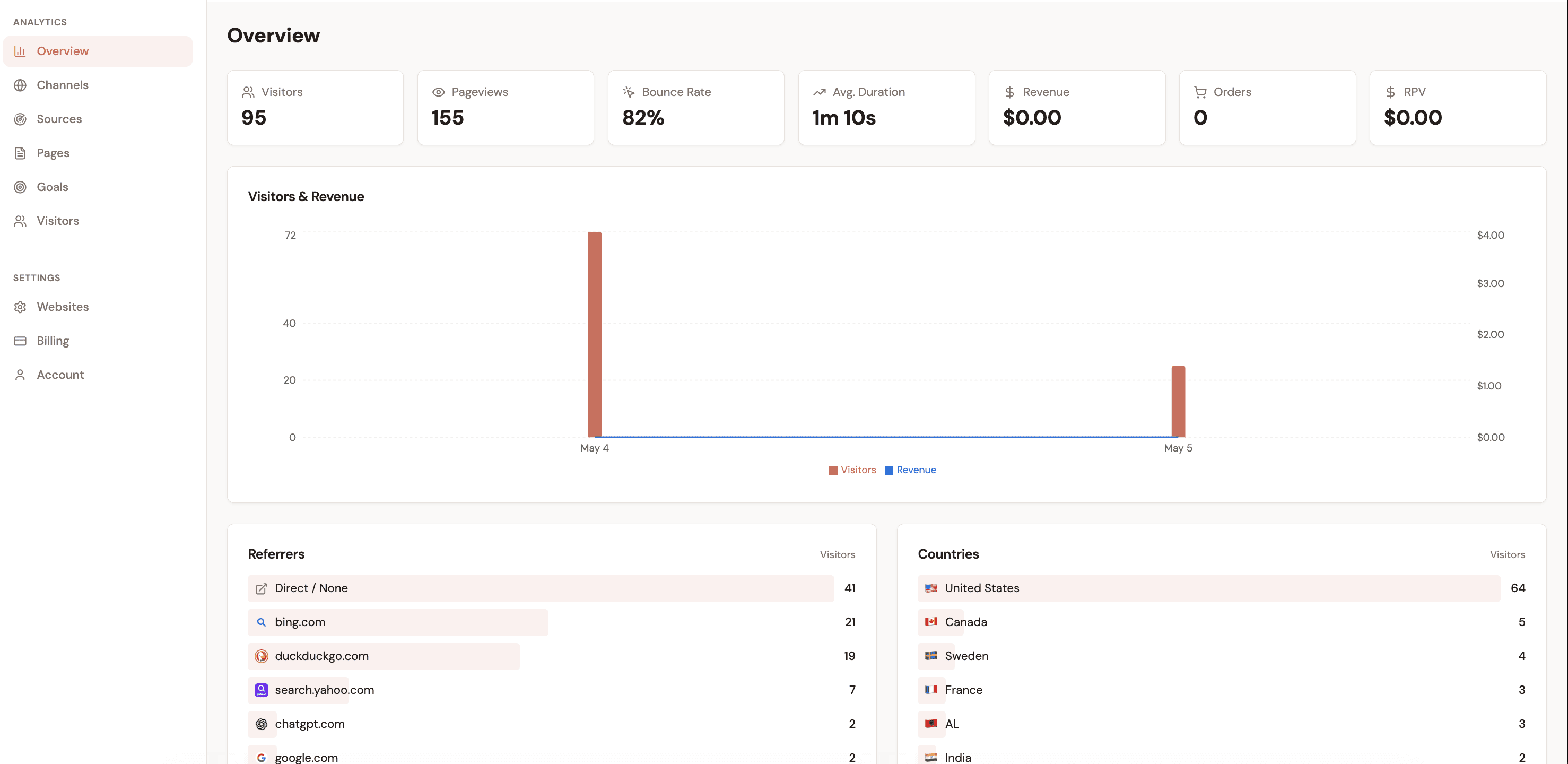
Instead of building Explorations in GA4, Attrifast surfaces the metrics ecommerce stores need directly on the main dashboard — updated in real time as orders arrive.

Live — Last 30 days
Nora & Co. Apparel
Total Revenue
$28,400
+18% vs prev period
Orders
312
+22% vs prev period
Avg. RPV
$2.84
+9% vs prev period
Revenue by channel
Organic Search$9,820
Paid Social (Meta)$7,140
Email / Klaviyo$5,680
Google Ads$3,980
Direct / Referral$1,780
Top converting products
ProductOrdersRevenueRPV
Merino Wool Crewneck — Slate47$4,653$4.20
Organic Linen Tote — Natural38$1,482$2.87
Classic Oxford Shirt — White31$2,728$3.54
French Terry Hoodie — Navy24$2,136$1.98

Simulated data for illustration. Actual dashboard reflects live Shopify/Stripe orders.

Migration guide: switching from GA4 to Attrifast

Migrating away from GA4 does not have to be risky. The recommended approach is to run both tools in parallel for two to four weeks, then transition reporting once you are confident in the new data.

Important: Do not remove GA4 during the transition. Install Attrifast first and keep both running. Your GA4 data stays in your Google account indefinitely — there is no urgency to remove it.
01

Keep GA4 running — do not touch it

Install Attrifast alongside GA4. Run both tools in parallel for 2–4 weeks so you can compare data and build confidence. Do not remove GA4 tags until you are satisfied with Attrifast data.

02

Connect your Shopify store or Stripe account

In Attrifast, click "Connect Shopify" or "Connect Stripe." OAuth authorization takes under 60 seconds. Attrifast immediately begins pulling historical and live order data.

03

Add the Attrifast script to your store

Paste one script tag into your theme. On Shopify, this goes in theme.liquid. On custom stores, add it to your HTML head. No data layer required, no GTM container needed.

04

Verify UTM attribution is working

Place a test order using a link with UTM parameters (utm_source, utm_medium, utm_campaign). Confirm the order appears attributed correctly in your Attrifast dashboard within minutes.

05

Compare attribution data for two to four weeks

Run both tools in parallel. Check that channel-level revenue in Attrifast matches your Stripe order exports. This parallel period also lets you brief your team on the new dashboard.

06

Remove GA4 ecommerce events (optional)

Once confident, you can remove GA4 purchase events to reduce tag bloat. Many stores keep GA4 for behavioral analytics (user flows, engagement) while using Attrifast exclusively for revenue attribution.

What you gain — and what you lose

This is an honest comparison. Switching from GA4 to a purpose-built revenue attribution tool involves real trade-offs. Here is what changes, and what workarounds exist for the capabilities you leave behind.

What you gain
Accurate revenue data

100% of orders attributed — no consent mode data loss

Real-time channel performance

Revenue and RPV by channel updates instantly

No developer dependency

No event implementation, no GTM, no BigQuery

Privacy compliance by default

Cookie-free — no consent banner required

Simple, focused interface

Revenue attribution dashboard your whole team can read

What you give up
Custom funnel analysis

Workaround: Workaround: keep GA4 for behavior funnels alongside Attrifast

Audience segment builder

Workaround: Workaround: use Klaviyo or your ESP for audience segmentation

Google Ads audience sync

Workaround: Workaround: import UTM-level ROAS data manually for bid adjustments

Most ecommerce stores keep GA4 active for behavioral analytics while switching revenue attribution to Attrifast. The two tools are complementary, not mutually exclusive.

Frequently asked questions

Is GA4 still worth using for ecommerce in 2026?

GA4 is a powerful platform for behavioral analytics — user flows, engagement, A/B test analysis, and audience building. It remains valuable for enterprises with dedicated analytics engineers. For ecommerce revenue attribution, however, GA4's consent mode data losses and complex event setup make it an unreliable sole source of truth. The better approach is using GA4 for behavior and a purpose-built tool like Attrifast for revenue attribution.

Will switching analytics tools break my Google Ads conversion tracking?

Google Ads conversion tracking is managed separately from GA4 ecommerce events — it uses Google Ads tags directly. Switching from GA4 to Attrifast does not affect Google Ads conversion tracking. Your Google Ads campaigns continue to report conversions through the Google Ads tag independently.

How long does it take to see data in Attrifast after switching?

Revenue data from Stripe appears within minutes of connecting your account. Attrifast also imports up to 90 days of historical order data so you can see past channel performance immediately without waiting for new orders.

Does Attrifast work with Shopify markets and multi-currency stores?

Yes. Attrifast pulls order data from the Shopify Orders API and handles multi-currency stores correctly, attributing revenue in the currency of each order and converting to your reporting currency if configured.

Ecommerce GA4 alternatives — entry-tier monthly cost (USD)

Source: Verified vendor pricing pages 2025

Replace GA4's revenue gaps with accurate attribution

Connect Stripe in 60 seconds. See which marketing channels actually drive revenue — no events, no BigQuery, no data gaps.

Start free — no credit card required →

Loved by 500+ users